


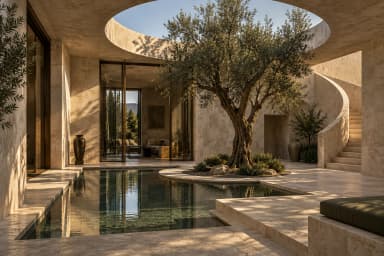


ONLINE, IN YOUR WORKSPACE
Online models & cloud storage
Access online models and keep project files in cloud storage, with capacity and retention defined by your plan.
Explore cloud plans
Vihanova. For every idea, with specialized tools for architects and designers.
Start creating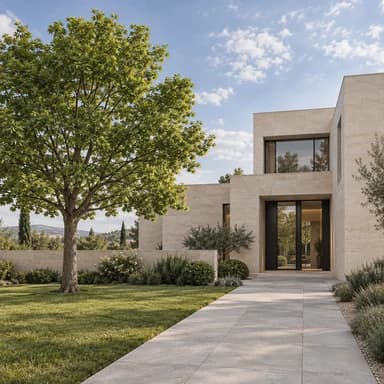 REFERENCE
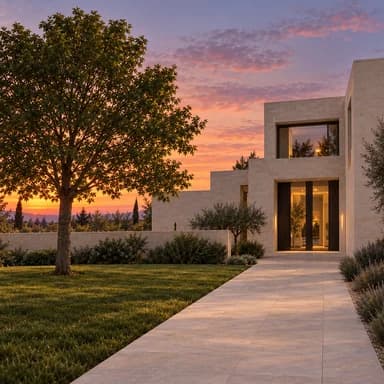
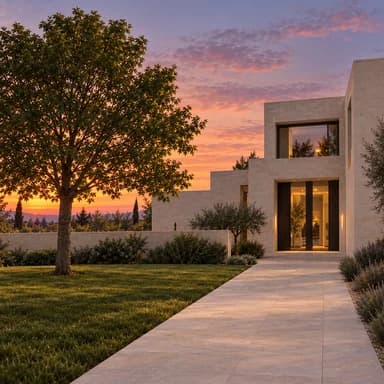
Warm sunset, long shadows and a quiet sky. Preserve the original form.
Choose the right tool for each step. Explore chat, image, video, and audio models in one creative workspace.
Loading models…
Creative tools for every idea. Specialized settings and workflows for those who work with space, light, and design details.
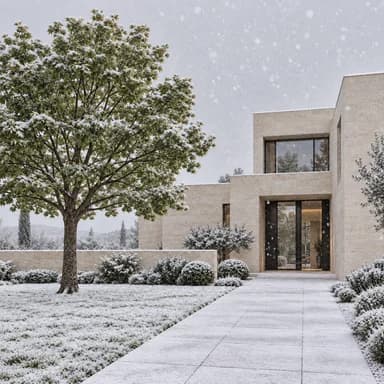
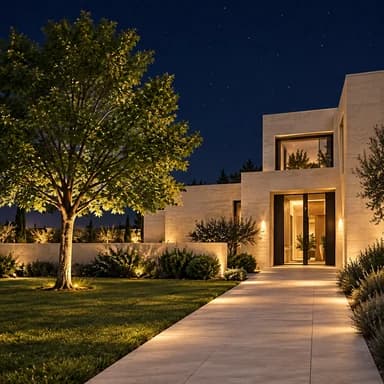
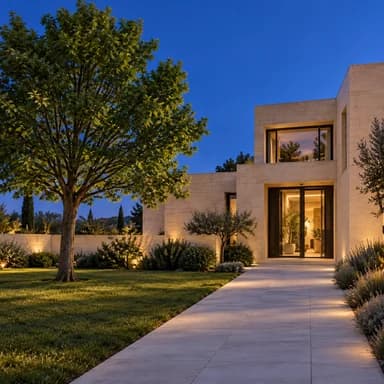
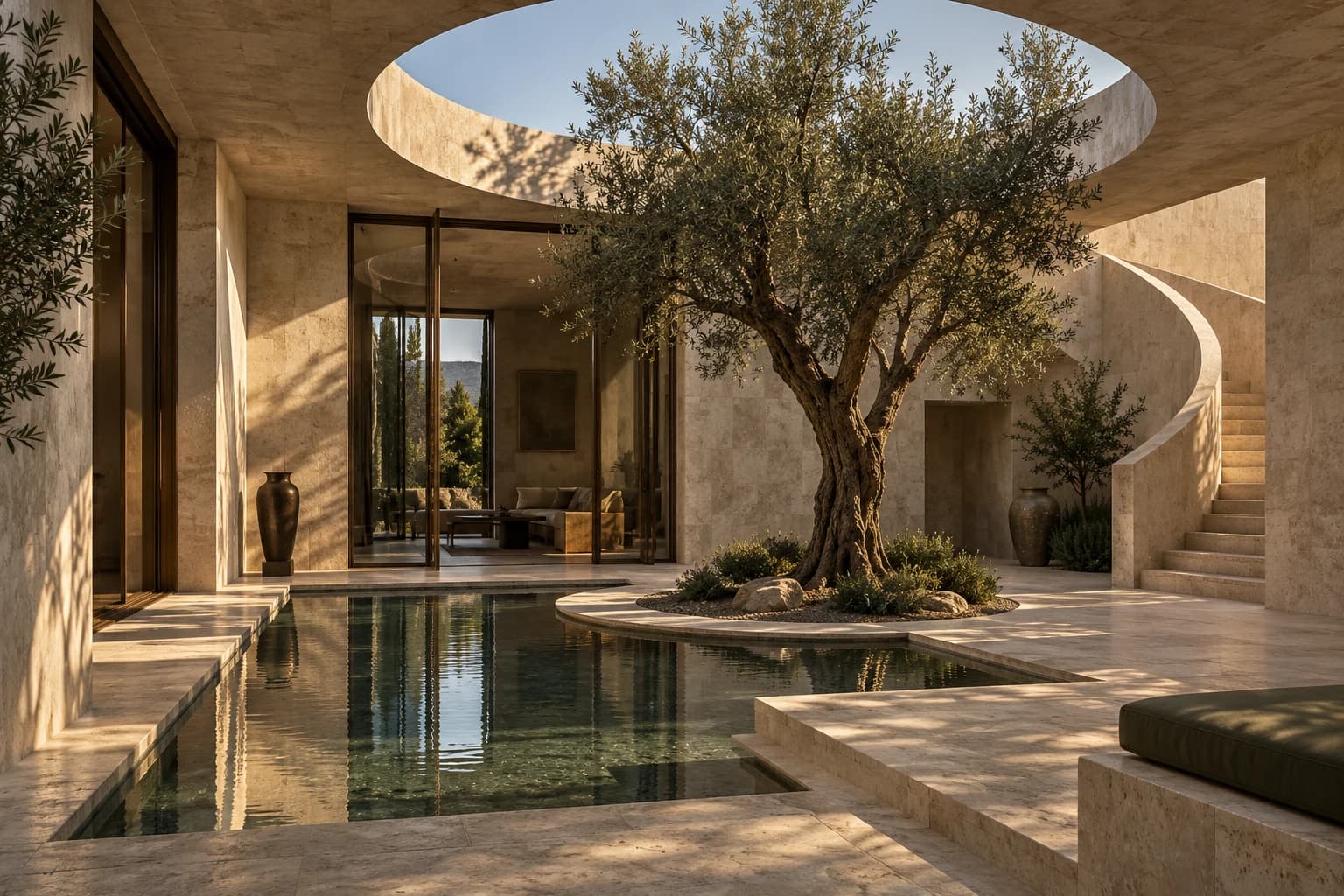 EXTERIOR / 01AI-GENERATED VISUAL STUDY
Bring references, your brief, and a model into one workflow. Explore and compare visual directions for your project.
Explore in StudioOur specialist journey starts with architecture. More creative fields are ahead.
Sometimes you need an answer. Sometimes an entire creative workflow. Vihanova gives you room for both.
Create images, video, audio, or conversations quickly without working with nodes.
Open Chat→Control inputs, models, presets, and workflows you can save.
Open Studio→Keep ideas and results in a project, then carry on creating.
View projects→Take an idea from image to video and audio within one creative workflow.
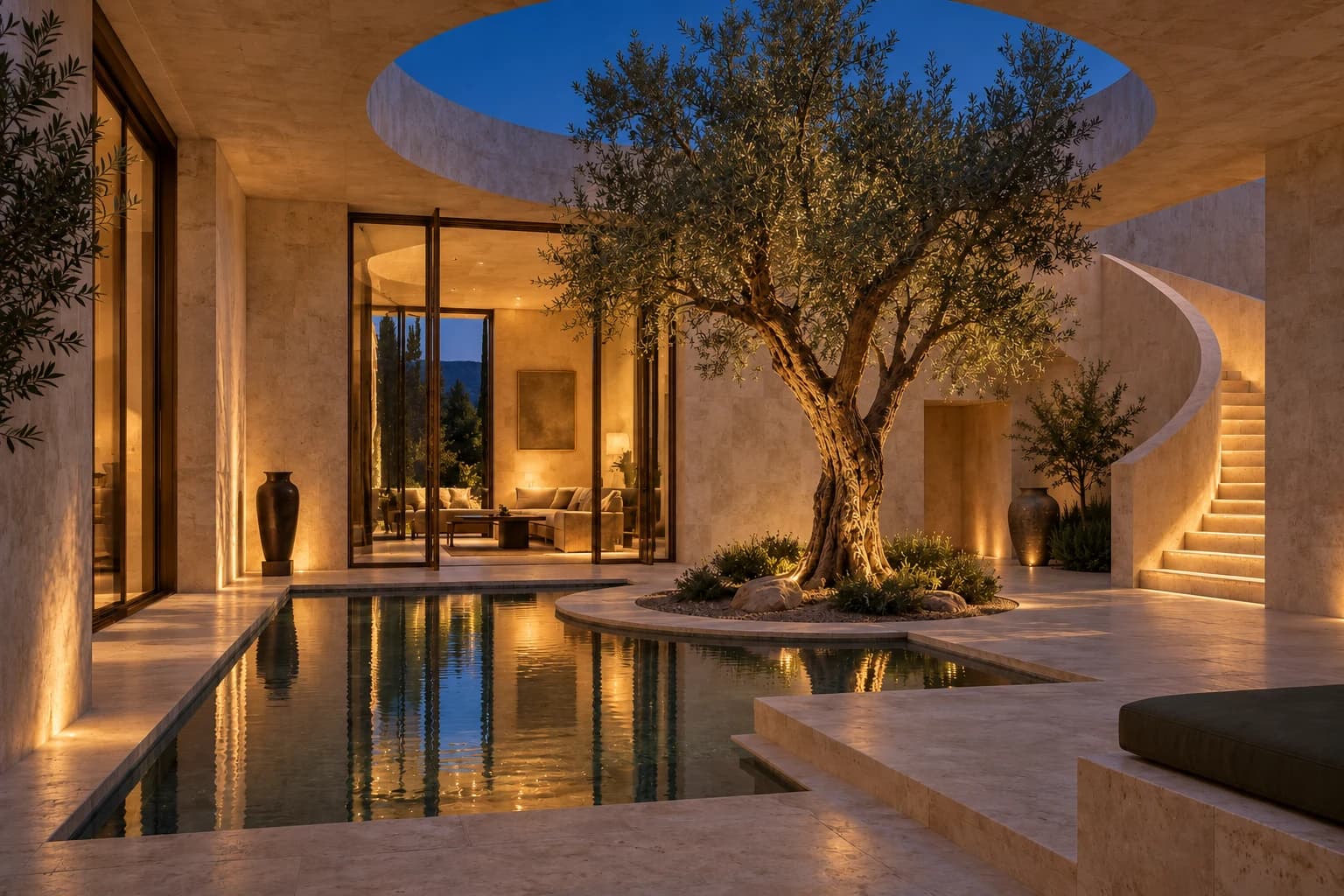
Start with a reference and a prompt. Shape the light, atmosphere, and details.
Create in Studio→Work in the browser or use the desktop app. Choose models and execution options to suit your project, plan, and device.
Access online models and keep project files in cloud storage, with capacity and retention defined by your plan.
Explore cloud plansRun compatible local models and keep projects and outputs on your device. Model access depends on your plan, license, and hardware.
Explore local plansCompare models and plans at current prices. Choose what fits your budget, project, and workflow.
Plans and pricingNo. Chat, image, video, and audio tools serve everyone, including designers and architects. Specialized architecture settings for lighting, materials, and scenes are part of this shared workspace.
Start in Chat for a direct request. Choose Studio to connect inputs, models, and creative steps into a workflow you can save.
The pricing page shows credit packages, cloud and local plans, and model prices. Cost depends on the model and request settings; an estimate is displayed before execution.
No. Local execution requires a compatible model, plan, license, and suitable hardware. Online models require an internet connection for processing.